
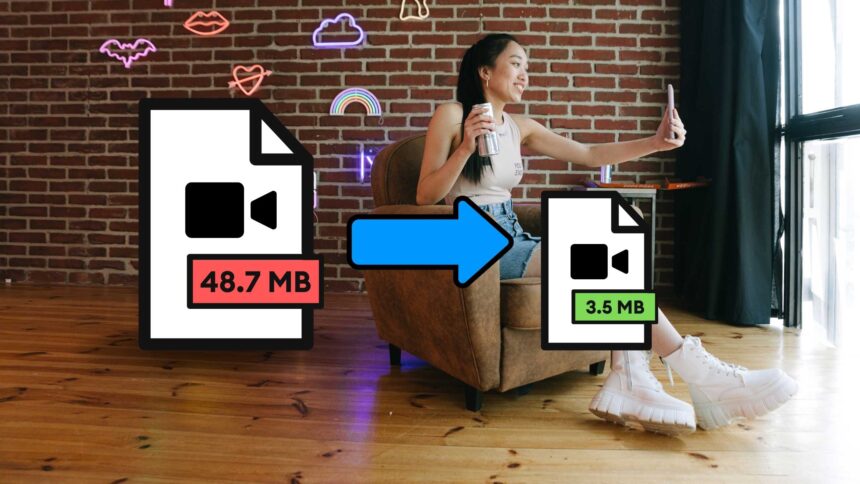
In the world of content generation, video material has become crucial. Videos are omnipresent, in social media, entertainment, and education. A more effective approach to compress and store these big files is required as a result of the rising demand for high-quality material.
The sure answer to this is video compression, which has various advantages including quicker video uploads, better video quality, effective storage, and smaller file sizes. However, with the variety of alternatives on the market, picking the best video compressor might be challenging.
The greatest free video compressor software are provided here, along with features that enable you to shrink the file size without sacrificing quality. By the end, you’ll know exactly which compressor tool is optimal for your content development requirements.
What is Video Compression?
Video compression is the process of lowering the number of bits in a video’s file size. Online video is typically compressed to reduce or eliminate extraneous data. To put it another way, this is done to increase the video file’s compatibility, portability, and playability without lowering its quality.
How does it work?
On any tool, videos are typically compressed using the codec. These video codecs make up the components of tools for video compression. They are the algorithm that assembles the video files using the supplied encoding data.
These codecs extract the extra information, like frames, by classifying it into different groups. The last step is to remove these unnecessary data frames from the file and encode them into a single file, which results in data bit loss and a reduction in file size.
Benefits of Video Compression
From faster reading and writing to great loading speed, you will get many benefits by compressing videos. Some of them include
- Minimum Storage: Video compression decreases the size of the file making it easier to store, transfer and stream online.
- Improves User Experience: It makes the videos easier to stream online leading to faster loading times and smooth playback speed.
- Saves storage space: It also helps you to save storage space on devices and servers, allowing more videos to be stored and accessed easily.
- Faster upload and download times: The compressed videos take less time than the original one in terms of uploading and downloading, which is necessary while working with large video files.
- Preserves video quality: It also ensures that the quality of the original video is preserved, making it ideal for archiving and backup purposes.
Best Free Video Compressors
You may compress videos online or on your device while keeping quality with a variety of compressor options. The top free video compressors are listed below for your convenience.
1. MEDIA
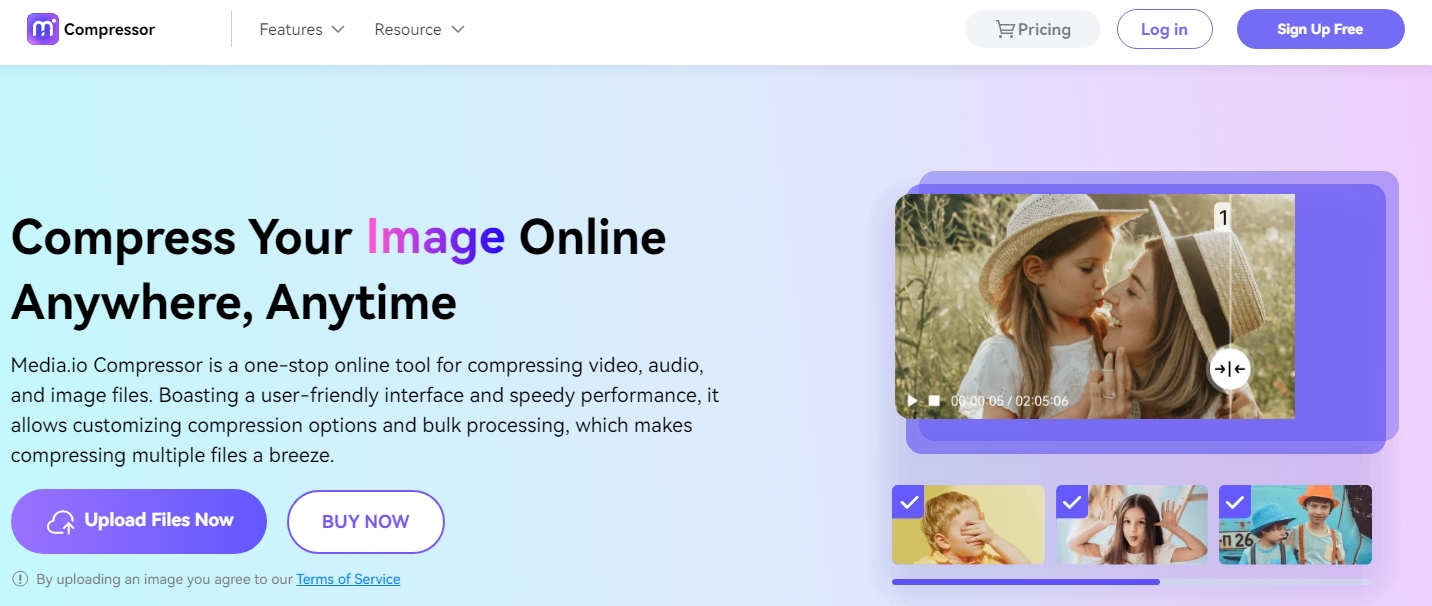
A cloud-based programme called Media mostly compresses videos for free online. It supports a variety of video formats, including MOV, MP4, FLV, and others, making it one of the best online compressors. Additionally, you can upload the films to Dropbox and distribute them on websites like Facebook and Instagram.
Features:
- Supports video formats 4K, 1080p, 720p, 480p, etc.
- Compress Video online without any file limits.
- Decrease media size in a single click.
- Use an HTTPS connection to securely upload any videos.
- Supports all major platforms Windows, Linux, and Mac.
2. GILISOFT VIDEO
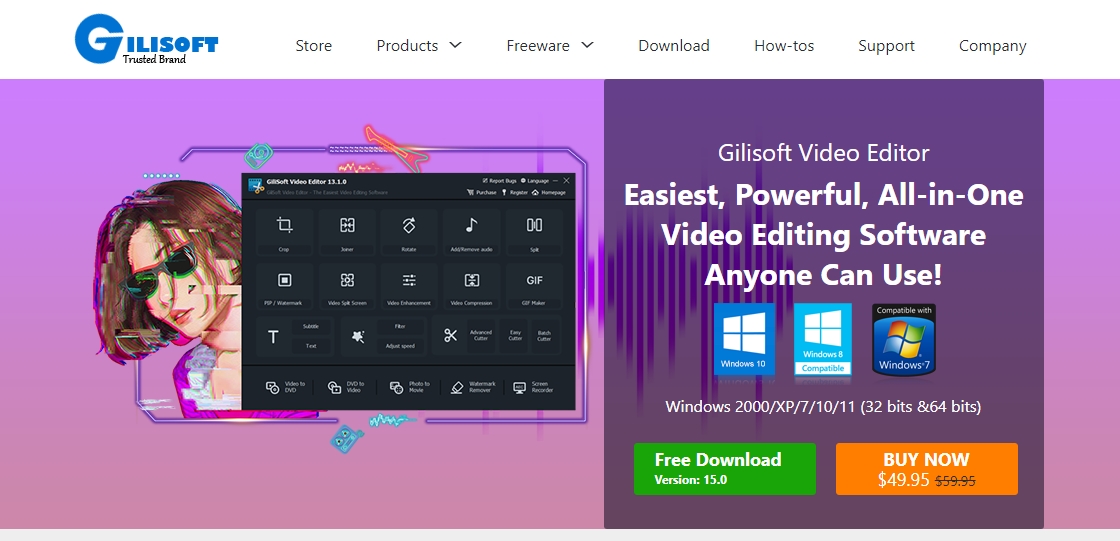
Another video compressor that might help you reduce the size of your video without sacrificing its quality is GiliSoft. It is among the best with a straightforward user interface that easily improves your video clips.
Features:
- Compatible with over 160 video formats such as AVI, FLV, HD, etc.
- You can merge, cut or rotate videos.
- Allows to add subtitles and special effects in video clips.
- Convert SWF files to audio or video.
- Supports only Windows.
3. VideoProc
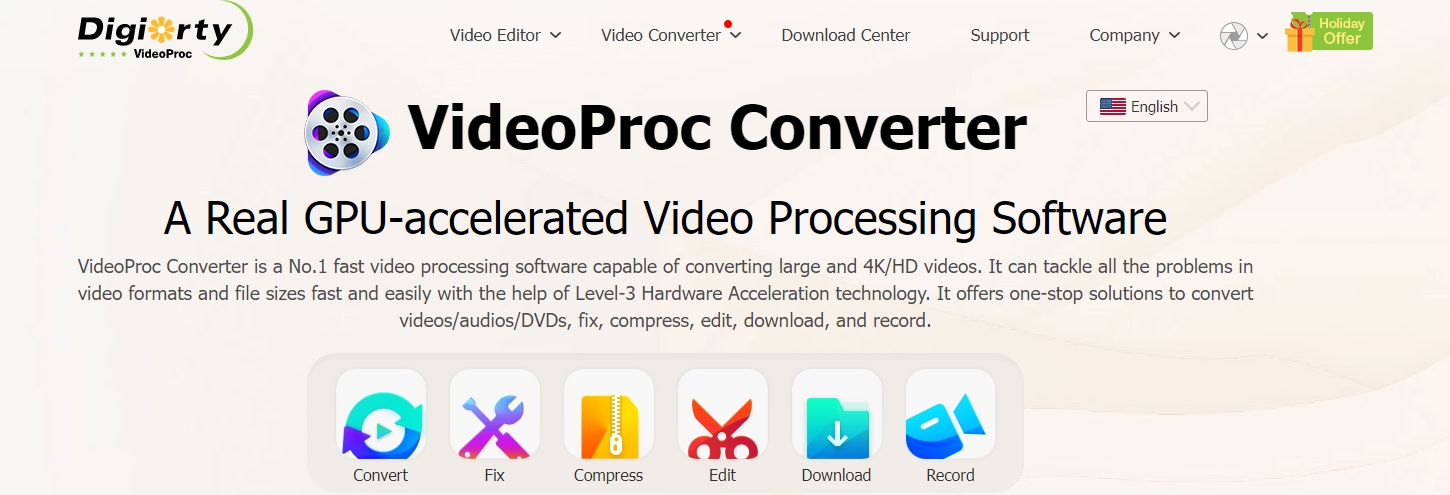
If you need to compress big amounts of video, VideoProc is the best compressor. It is an advanced piece of software that can compress videos in a variety of formats, including 4K, HD, SD, VR 360, etc. This enables various video downsizing techniques without sacrificing quality.
Features:
- Available for more than 1000 video sites.
- Record and compress live video streams.
- It helps you to manage compressed videos too.
- Supportable platforms are Mac and Windows.
4. MOVAVI

The user-friendly interface and quick video compression performance of Movavi are well renowned. You can easily and without sacrificing quality convert your media files between more than 180 different formats. In Movavi, you can also combine, rotate, and crop video files.
Features:
- Support over 180 video formats such as MKV, AVI, MP4, FLV, etc
- Automatically identify devices with instant functioning.
- Drag and drop approach of compressed videos.
- You can also remove or add watermarks in the video.
- Allows to change video formats based on TV, smartphone, or other devices.
- Support platforms Mac and Windows.
5. HANDBRAKE
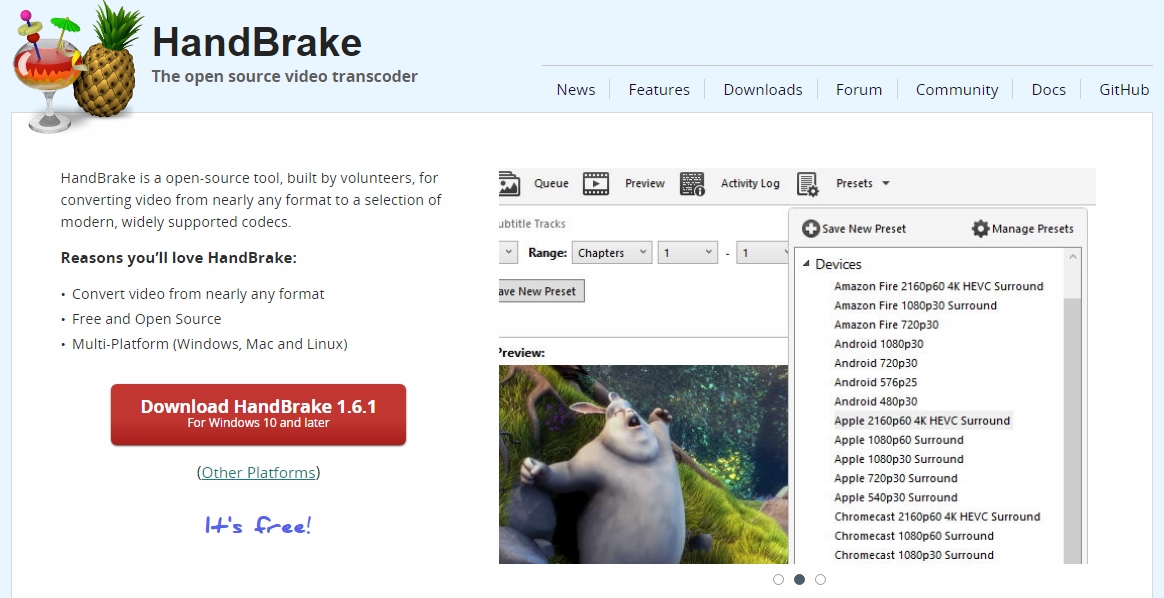
You can reduce the size of your video files with the aid of the free programme HandBrake. You can convert your video files to HD quality using its straightforward user interface. This tool can also be used to simultaneously scan and compress video.
Features:
- Compress videos to MP4, AVI, FLV, and more.
- Provides preview before compressing original videos.
- Different video ranges are available.
- You can also filter out your videos during compression.
Final Thoughts
These are some of the top online video compressor tools. If you are a content creator who is just starting out with videos, we advise you to choose the one that will enable you to reach your goal conversion speed. Depending on your demands and interests, it must support all resolutions and be extremely quick.