

The digital world is a battlefield against abrupt cyber threats. For home users and tech enthusiasts, navigating the maze of antivirus solutions can be daunting. In a quest for digital safety, choosing the right antivirus is crucial. With a multitude of options, each boasting a unique set of features and protection levels, how do you pick one that’s not just good, but the best?
In the grand symphony of cybersecurity, we’ll take you through the crescendo and decrescendo of the top five antivirus solutions, providing a comprehensive guide to help you make an informed decision. From robust malware protection to user-friendly interfaces, you’ll discover which of these titans offers the security suite that aligns with your specific needs.
The Essence of Antivirus Protection
Before we jump into the comparison, it’s essential to understand the fundamental ingredients of robust antivirus protection. Effective antivirus software should excel in several key areas:
- Malware Detection and Removal: A good antivirus must detect and remove various forms of malware, from viruses and worms to trojans and ransomware.
- Real-Time Protection: The ability to monitor your system continuously and reactively, defending against emerging threats as you encounter them.
- Phishing Protection: With the rise of online scams, it’s vital for antivirus to keep you safe from deceptive websites and emails.
- Firewall Security: An in-built firewall adds an extra layer of security by controlling network traffic.
- Performance Impact: Antivirus solutions should provide robust defense without significantly slowing down your computer’s performance.
- Usability and Interface: A user-friendly design and intuitive interface enhance the user experience.
With these parameters in mind, we’ll analyze the top five antivirus solutions in the market, comparing their offerings to help you find the perfect match for your digital defense needs.
1. Defender by Microsoft
Starting with the local hero, Windows Defender, now known simply as “Defender,” comes pre-installed in Windows 10. Over the years, it has evolved into a capable defender against various digital threats. Its integration with the Windows operating system ensures that all updates are synced, and you’re always protected.
Pros:
- Free: Comes with Windows as standard, offering baseline protection at no extra cost.
- Light on System Resources: It’s designed to run in the background without significantly draining your system’s resources.
- Seamless Integration: Being native to Windows, it integrates well with the OS, providing real-time protection.
Cons:
- Lack of Advanced Features: For more complex protection needs, Defender’s simplicity might be a drawback.
- Lower Detection Rate Compared to Specialized Tools: In independent tests, while Defender’s protection is good, it doesn’t always top the charts for detection rates.
2. Norton Antivirus Plus
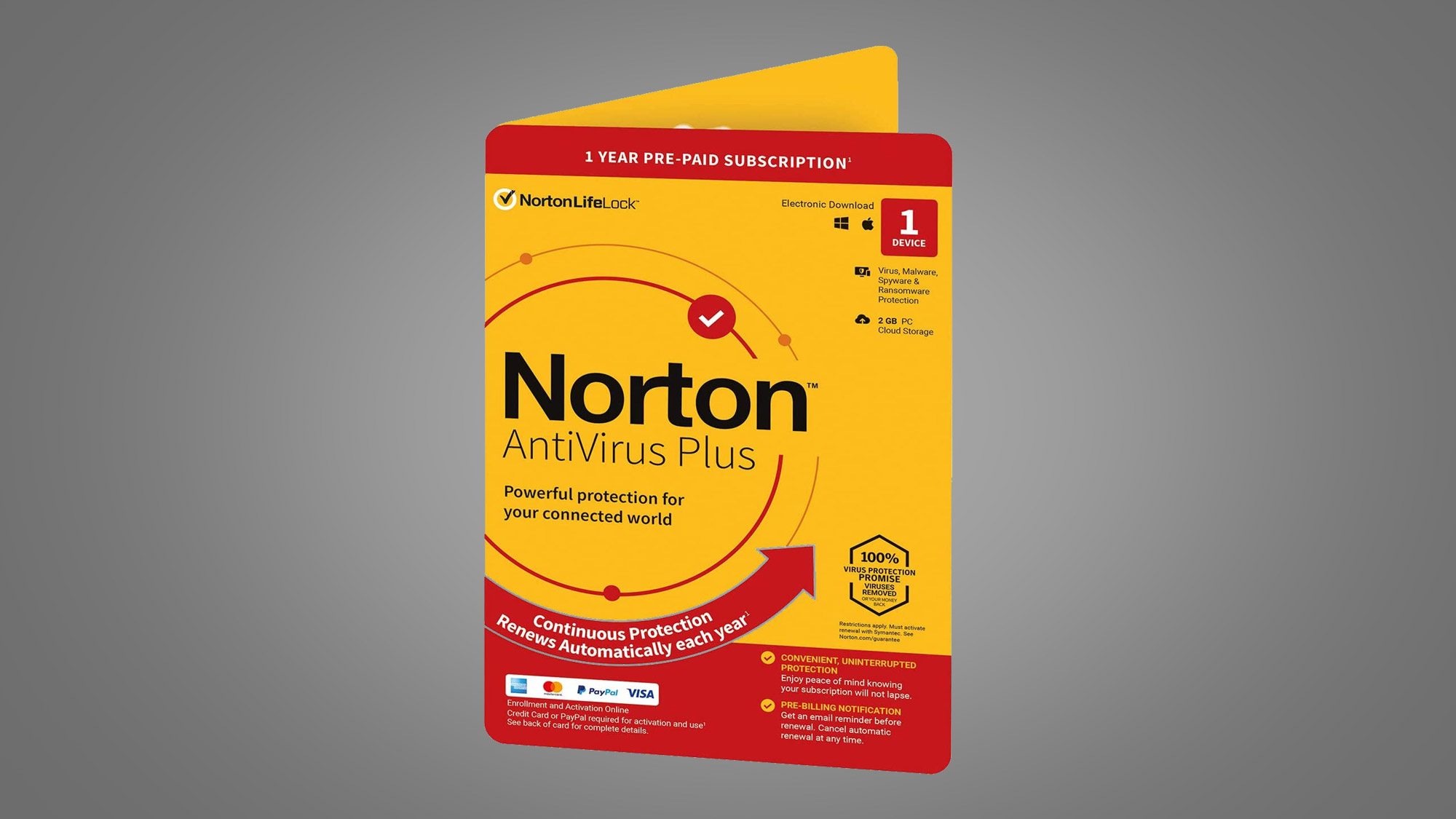
Norton has been a stalwart in the antivirus domain. Its latest offering, Norton Antivirus Plus, combines the brand’s trusted legacy with modern security features.
Pros:
- Multiple Protections: Norton’s signature protection against malware, ransomware, and viruses is accompanied by anti-phishing and firewall functionality.
- URL Blocking: Proactively blocks dangerous websites.
- Excellent Performance: Offers a strong protection suite without bogging down the system.
- 30-Day Money-Back Guarantee: A confident selling point that allows users to try and get a refund if they’re not satisfied.
Cons:
- Costly: Norton’s reputation comes at a price, and it’s often pricier compared to its competitors.
- High on System Impact: Though it’s improved, Norton can still have a more significant impact on system performance compared to other options.
3. Bitdefender Antivirus Plus
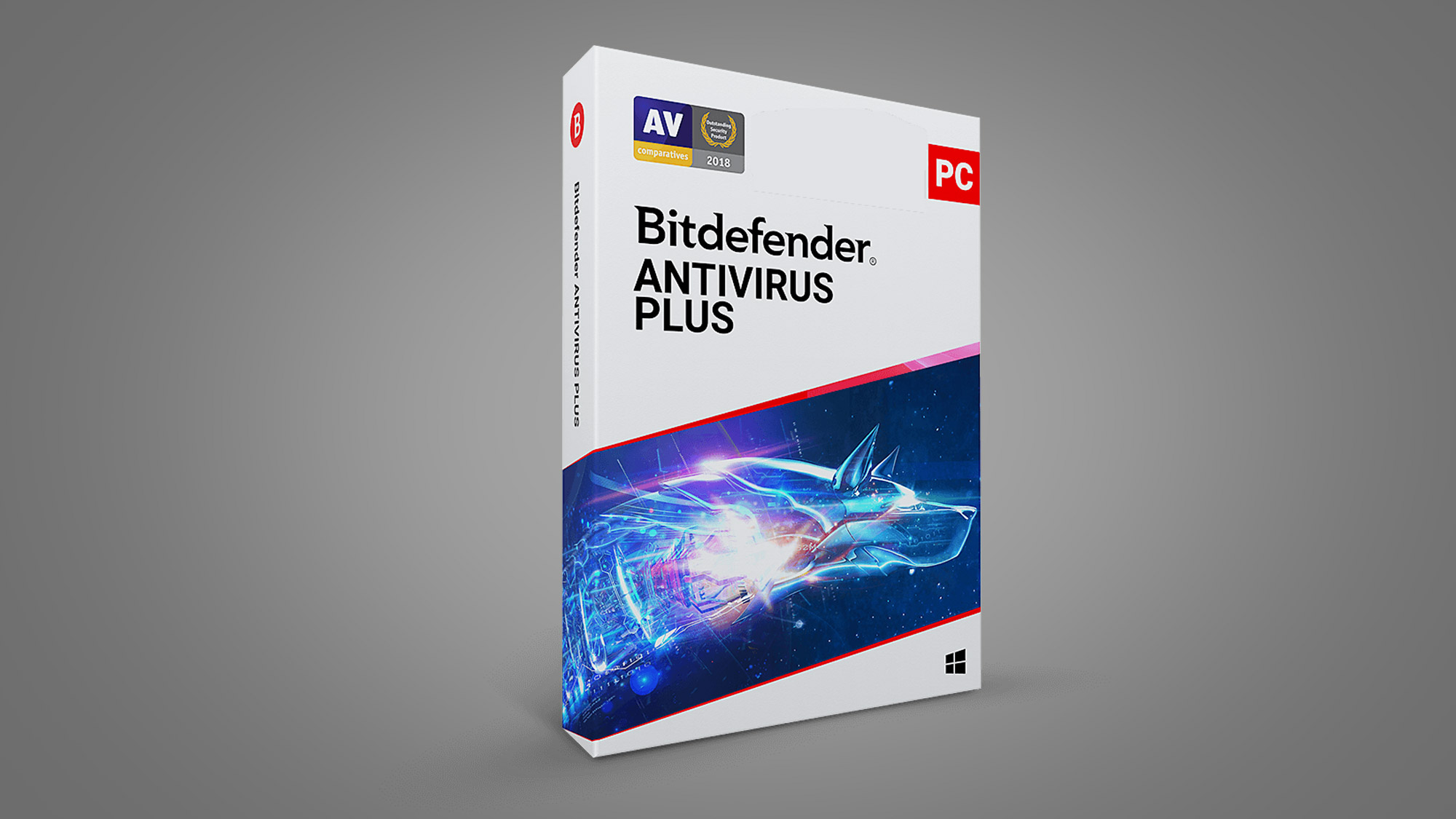
Bitdefender’s Antivirus Plus is lauded for its next-gen cybersecurity, garnering accolades for its robust protection features and ease of use.
Pros:
- Best in Independent Tests: Consistently ranked as one of the top performers in independent antivirus testing for malware detection.
- Minimalist User Interface: An accessible interface designed for efficient interaction.
- VPN Included: The package includes a basic VPN, which adds another layer of security to your online activities.
- Comprehensive Ransomware Protection: Offers a multi-layered approach to defend against ransomware.
Cons:
- Can Be Overzealous: Bitdefender’s aggressive nature could end up flagging legitimate software as suspicious.
- Pricey Subscriptions: While not as high as some, the subscription can still prove costly for some users.
- Heavy on System Resources: Despite improvements, Bitdefender can still cause a noticeable performance hit.
4. Kaspersky Antivirus
Kaspersky has long been a renowned name in the realm of antivirus, with its Antivirus suite reinforcing its pedigree with extensive protection components.
Pros:
- Strong Malware Detection: Kaspersky often features detection capabilities that rank highly among competitors.
- Effective Phishing Protection: Protects users from falling prey to online scams with a robust phishing filter.
- Low System Footprint: Designed to protect without consuming too many system resources.
- Reasonably Priced: Offers good value for the comprehensive protection it delivers.
Cons:
- Controversial Company History: Kaspersky has been the center of controversy regarding its perceived close ties with the Russian government, which may raise concerns for some users.
- Average Additional Tools: While its core antivirus functionality is solid, other utility tools bundled in are less impressive.

5. McAfee Antivirus
McAfee Antivirus is another veteran in the industry. Its latest iteration brings a wealth of features to the table, aiming to be a Swiss Army knife in your cybersecurity arsenal.
Pros:
- Versatility: Offers a wide range of features, from antivirus to a password manager and file protection.
- User-Friendly: McAfee’s interface is arguably one of the most user-friendly among antivirus software.
- Comprehensive Web Advisor: Assists in keeping your online activities secure and private.
Cons:
- Mixed Test Results: While McAfee performs well in some independent tests, its results can be inconsistent across various labs.
- Resource Intensive: McAfee’s extensive feature set can lead to a higher system impact compared to its competitors.
- Potentially Overwhelming: The plethora of features might prove to be overkill for users seeking a straightforward protection solution.

Decision Time
Each of the five antivirus solutions presented here comes with its unique set of advantages and drawbacks. Deciding which one is best for you hinges on your individual preferences and specific protection needs. Here are a few questions to consider:
- What is Your Budget? If you’re looking for a basic, no-cost solution, Windows Defender is a convenient option. Those willing to invest more for superior protection might lean towards Norton or Bitdefender.
- Hardware Considerations: Are you running an older system? Or is performance a significant concern? In either case, antivirus solutions that are light on system resources, such as Defender or Kaspersky, might be more suitable.
- Desired Features: Do you want an antivirus that does it all, with features like VPNs and password managers? In that case, McAfee is a strong contender.
Whichever you choose, remember that consistent updates, vigilant usage, and good browsing habits are just as essential for a secure digital environment. Get protected, stay informed, and enjoy the peace of mind that your digital life is safeguarded from the myriad of online threats.