
In today’s increasingly connected world, mobile devices have become an integral part of our lives. From communication and productivity to entertainment and banking, our smartphones and tablets hold a wealth of personal information. However, this convenience comes with a significant responsibility: ensuring the security of our mobile devices and safeguarding our sensitive data.
With the growing prevalence of cyber threats and mobile hacking attempts, it has never been more crucial to prioritize mobile security. The consequences of a compromised device can range from identity theft and financial loss to unauthorized access to personal accounts and sensitive information. Therefore, it is imperative to equip ourselves with the knowledge and tools to maximize mobile security and protect our devices and data.
In this blog post, we will explore essential tips and best practices to help you fortify the security of your mobile device. Whether you use an Android or iOS device, these practical guidelines will empower you to take proactive measures and stay one step ahead of potential threats. By implementing these strategies, you can enhance the security of your mobile device and enjoy peace of mind while navigating the digital landscape.
1. Use Strong Authentication Measures

In the realm of mobile security, the first line of defense lies in the strength of your authentication measures. Gone are the days when a simple four-digit PIN could adequately protect your device. Today, it is crucial to employ robust and multifactor authentication methods to fortify the security of your mobile device.
One of the most effective ways to enhance authentication is by using strong passwords or passphrases. Instead of relying on easily guessable combinations like “1234” or “password,” opt for complex passwords that include a combination of uppercase and lowercase letters, numbers, and special characters. Remember to avoid using personal information, such as your name or birthdate, as part of your password.
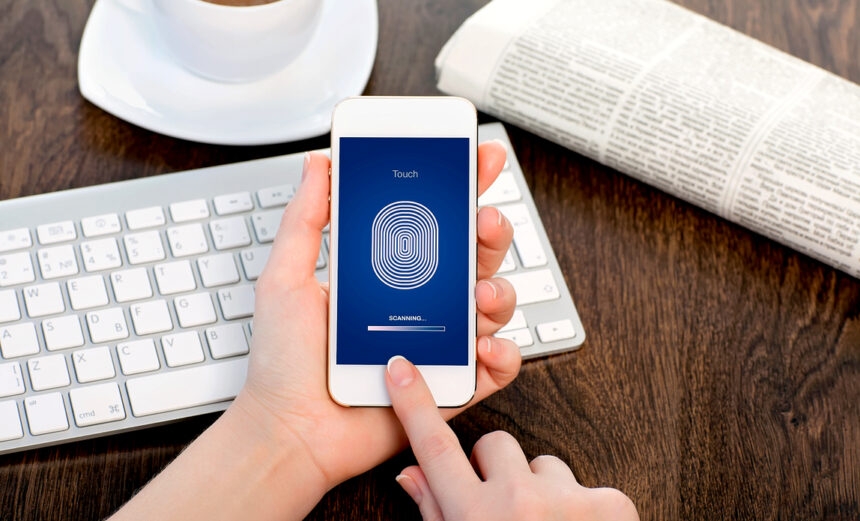
Additionally, many modern mobile devices offer the convenience of biometric authentication methods, such as fingerprint or facial recognition. These mechanisms provide an extra layer of security, as they rely on unique physical attributes that are difficult to replicate. By enabling biometric authentication on your device, you can ensure that only you have access to unlock it.
Furthermore, consider implementing two-factor authentication (2FA) whenever possible. 2FA adds an additional layer of security by requiring a secondary verification step, typically involving a code or notification sent to another trusted device or through an authentication app. This way, even if someone manages to obtain your password, they would still need the secondary authentication factor to gain access. Many popular online services and apps support 2FA, so take advantage of this added security measure whenever it is available.
2. Keep Your Operating System and Apps Updated
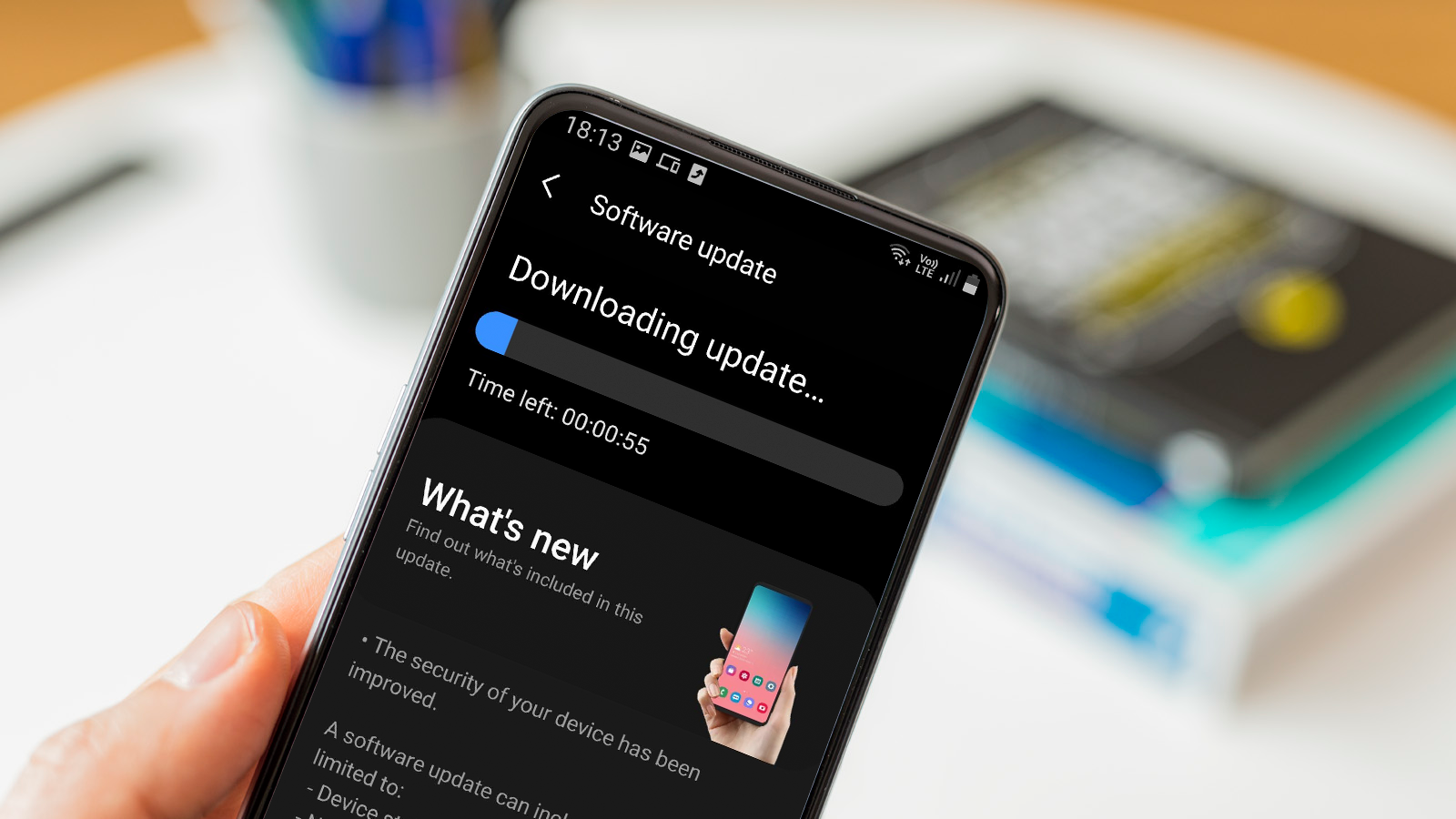
One fundamental aspect of maintaining robust mobile security is to consistently update your operating system and mobile apps. Operating system and app updates not only introduce new features and enhancements but also address security vulnerabilities that may have been discovered. Neglecting these updates leaves your device susceptible to potential exploits and compromises.
Regular updates are vital as they include security patches and bug fixes that address known vulnerabilities. Cybercriminals often exploit these weaknesses to gain unauthorized access to devices or steal sensitive information. By promptly installing updates, you ensure that your device is fortified against the latest security threats, effectively closing any loopholes that may have been present.
To stay on top of updates, it is advisable to enable automatic updates whenever possible. This ensures that your operating system and apps are consistently updated without requiring manual intervention. Most mobile operating systems provide options to enable automatic updates in their settings. By enabling this feature, you can rest assured that your device is continuously receiving the latest security patches and improvements.
3. Be Mindful of App Permissions
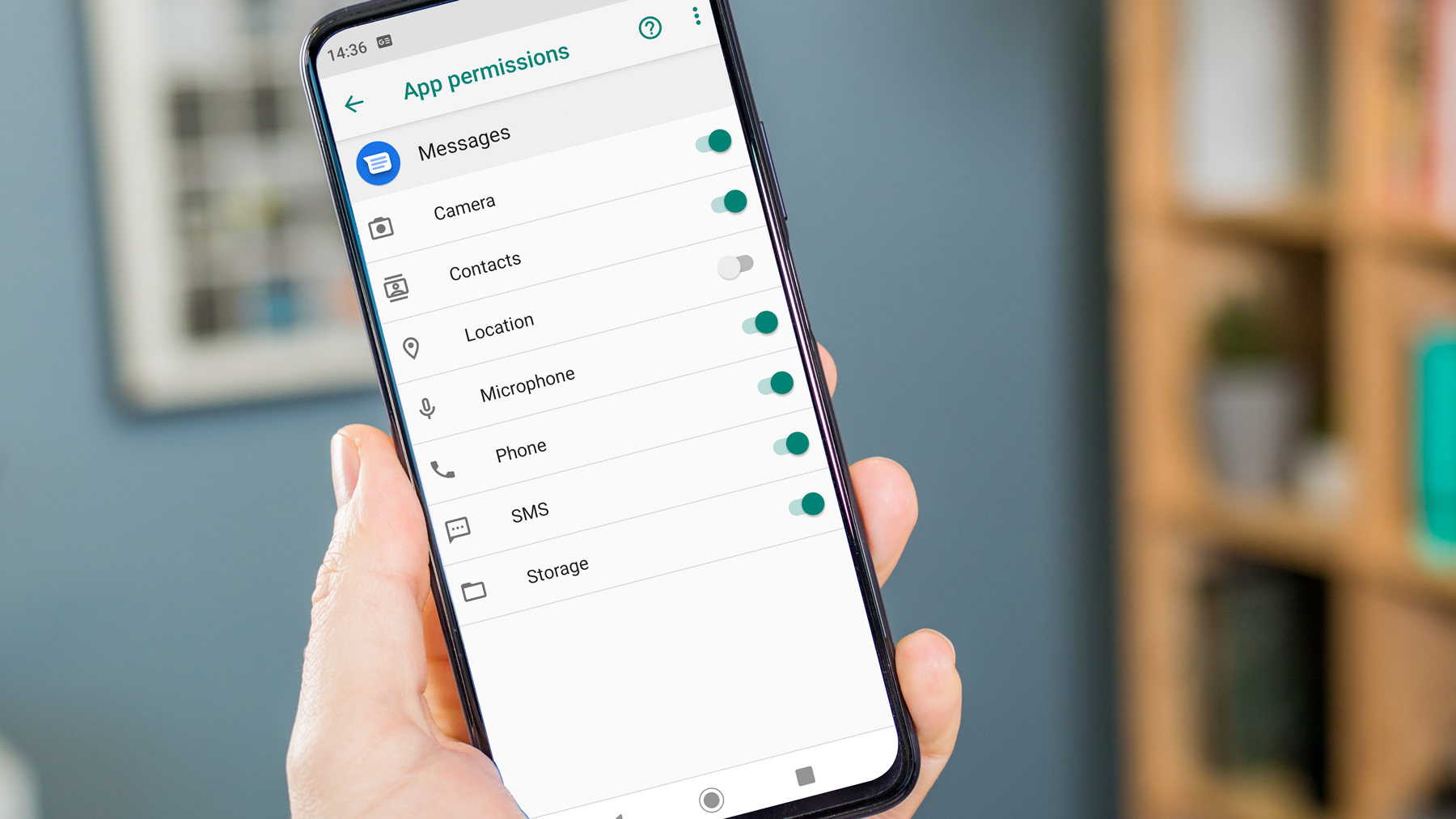
When installing mobile apps, it’s crucial to be mindful of the permissions they request. App permissions determine the access an app has to various features and data on your device. While some permissions are necessary for the app’s functionality, granting excessive permissions can compromise your privacy and security.
Take the time to review app permissions before installing an app. Consider whether the requested permissions align with the app’s purpose and functionality. For example, a photo editing app may need access to your photo gallery, but it shouldn’t require permission to make phone calls or access your contacts. Exercise caution when apps request permissions that seem unnecessary or unrelated to their primary purpose.
It’s essential to be aware of the risks associated with granting excessive permissions. Apps with unnecessary access may collect and transmit sensitive data without your knowledge or consent. This can include personal information, location data, or even call and message logs. Such data can be exploited by malicious entities for targeted advertising, identity theft, or other malicious activities. Therefore, it is wise to be cautious and limit the permissions granted to apps to protect your privacy and security.
4. Install a Reliable Mobile Security App

Installing a reputable mobile security app is a crucial step in bolstering the security of your device and protecting your data from various threats. Mobile security apps offer a comprehensive suite of protective features designed to keep your device safe from malware, viruses, and other malicious activities.
A reliable mobile security app typically includes real-time scanning capabilities to detect and remove malware from your device. It constantly monitors your device for any signs of malicious software and alerts you if it detects any suspicious activity or potentially harmful files. This proactive approach ensures that your device remains free from malware that could compromise your data or disrupt the functioning of your device.
5. Use Secure Wi-Fi Networks
When connecting to Wi-Fi networks with your mobile device, it is essential to prioritize the use of secure networks to safeguard your data and protect your privacy. Public or unsecured Wi-Fi networks can pose significant risks as they are often targeted by hackers and cybercriminals. By following best practices and being cautious about the networks you connect to, you can mitigate these risks and enhance your mobile security.
First and foremost, connect only to trusted and secure Wi-Fi networks. Avoid connecting to open networks that do not require a password or encryption. Such networks lack the necessary security measures to protect your data, making it easier for attackers to intercept and compromise your sensitive information. Instead, opt for networks that require a password or have encryption enabled, as these provide a higher level of protection.
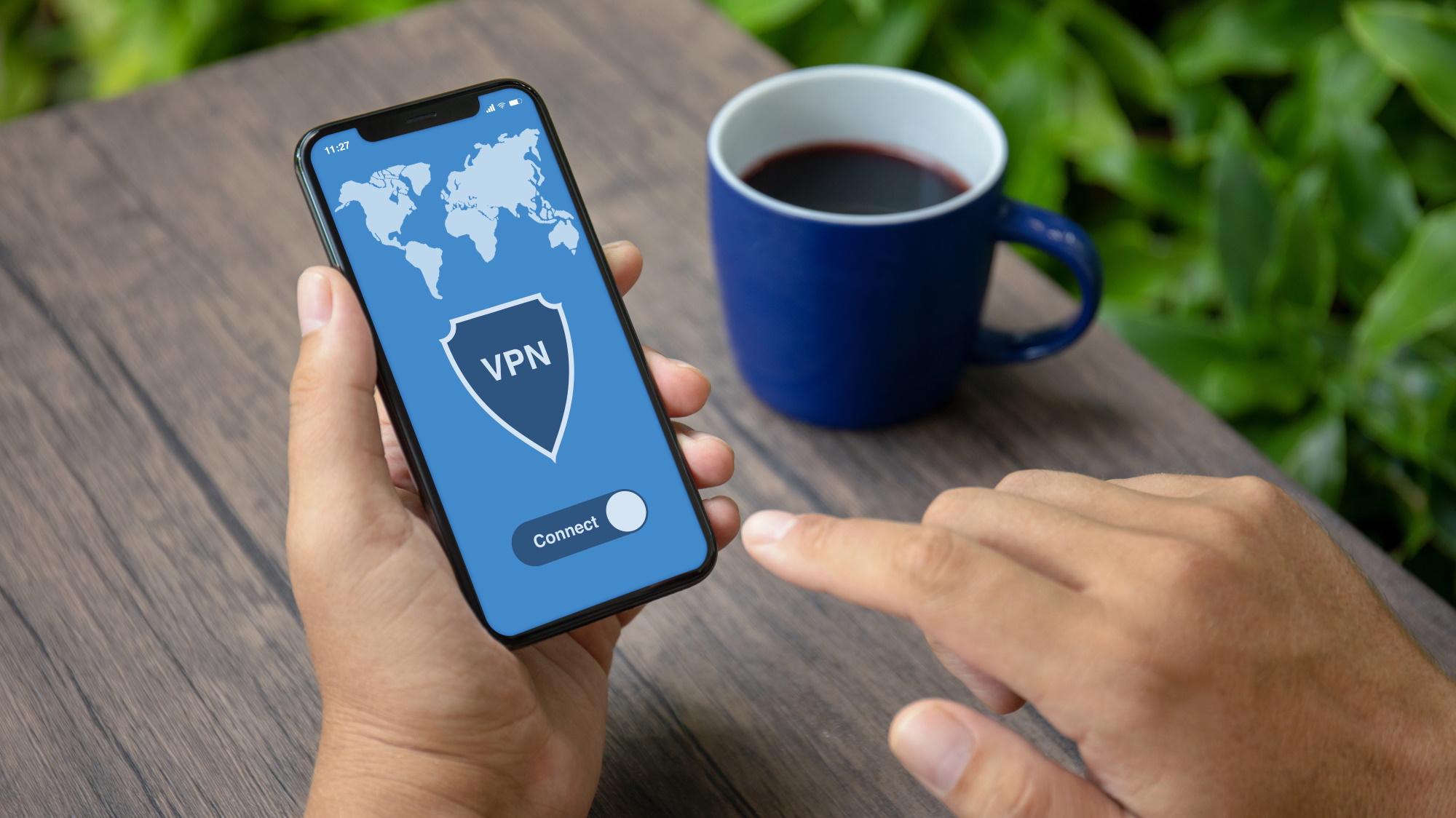
To add an extra layer of security, consider using a virtual private network (VPN) when connecting to Wi-Fi networks, especially when accessing sensitive information or conducting online transactions. A VPN encrypts your internet traffic and creates a secure tunnel between your device and the network, making it difficult for anyone else on the same network to intercept your data. Many reputable VPN providers offer mobile apps that are easy to install and use, allowing you to browse the internet securely and anonymously, even on unsecured networks.
6. Regularly Backup Your Data

One of the most critical practices for mobile security is regular data backup. Mobile devices contain a vast amount of personal and valuable data, including photos, contacts, documents, and more. Losing this data due to device failure, theft, or accidental deletion can be devastating. Regularly backing up your data ensures that even if something happens to your device, you can easily restore your information and minimize the potential impact.
There are various options for mobile data backup. One popular method is to utilize cloud storage services provided by companies like Google, Apple, or Microsoft. These services allow you to automatically sync and store your data, such as photos, documents, and app data, securely in the cloud. By enabling automatic backups, your data will be continuously synced, ensuring that you have an up-to-date copy stored remotely. In case of any device mishaps or data loss, you can easily retrieve your data from the cloud and restore it to a new or repaired device.
Another option is to perform local backups using your computer or an external storage device. Most mobile operating systems provide tools or software that enable you to back up your data to a computer via a USB connection. This method gives you more control over your data, as you can choose where and how it is stored. Additionally, using external storage devices like an external hard drive or an SD card allows you to create physical backups that you can keep in a safe place, providing an extra layer of protection.
7. Be Cautious of Phishing Attacks and Suspicious Links

In the realm of mobile security, it is crucial to remain vigilant against phishing attacks and suspicious links. Phishing attacks are deceptive attempts by cybercriminals to trick individuals into revealing sensitive information or performing harmful actions. These attacks often involve fraudulent emails, messages, or websites that mimic legitimate entities, such as banks, social media platforms, or online stores. By being aware of the risks and implementing preventive measures, you can protect yourself from falling victim to phishing scams.
One of the key aspects of staying safe is to scrutinize emails, messages, and links before interacting with them. Pay close attention to the sender’s email address or the phone number from which the message is received. Be cautious of emails or messages that claim urgency, request personal information, or contain suspicious attachments. Legitimate organizations typically do not ask for sensitive information via email or text messages. If you encounter such emails or messages, refrain from clicking on any links or providing any personal information. Instead, independently verify the legitimacy of the request by contacting the organization directly through official channels.
Another vital practice is to be cautious when clicking on links, especially those received via emails, messages, or social media platforms. Hover over the link to see the actual URL before clicking. Be wary of shortened URLs or links that seem unusual or unfamiliar. It’s advisable to avoid clicking on links from unknown or untrusted sources altogether. If you receive a link from a friend or contact that seems suspicious, verify its authenticity by reaching out to them through a separate communication channel to confirm whether they sent it intentionally. By being cautious and proactive, you can mitigate the risk of falling prey to phishing attacks and protect your personal information.
8. Securely Dispose of Old Devices
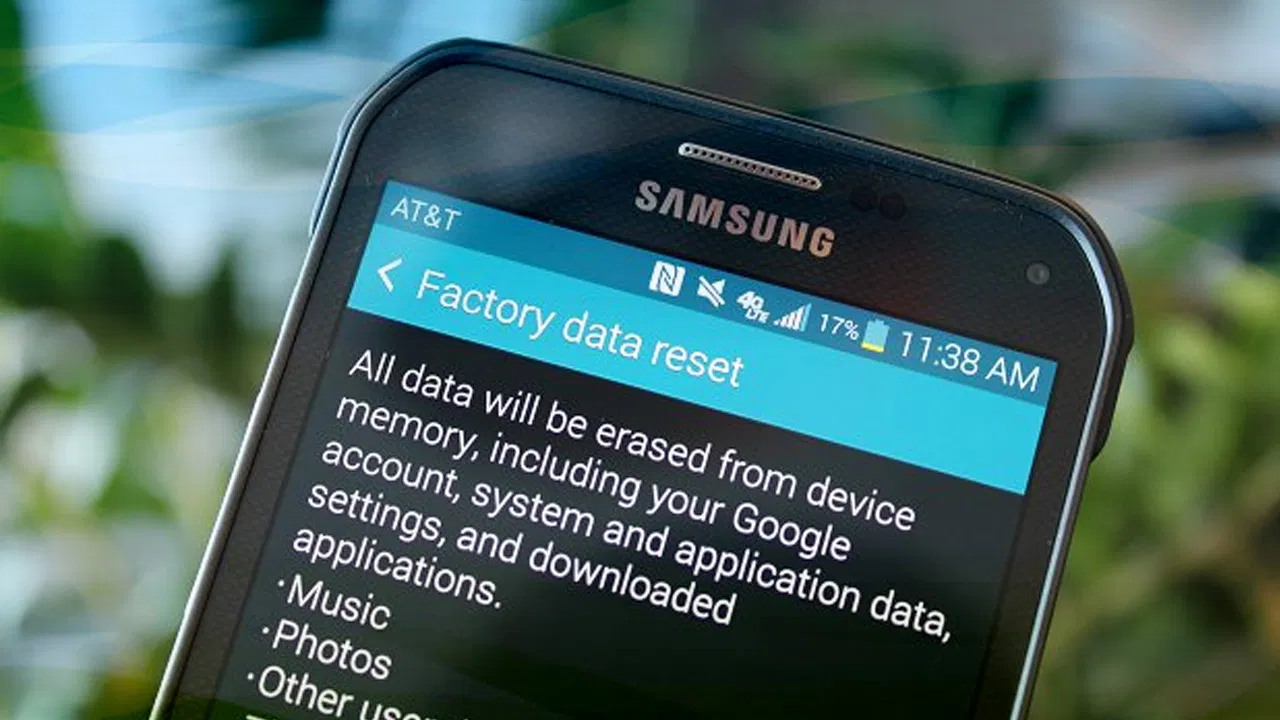
When it’s time to retire your old mobile devices, it’s crucial to handle their disposal with care to protect your sensitive data and maintain your privacy. Simply discarding or selling your old devices without taking the necessary precautions can expose you to potential data breaches and identity theft. To securely dispose of your old devices, follow these important guidelines.
Firstly, it is essential to properly wipe all data from your old devices before disposing of them. Performing a factory reset or formatting the device is not sufficient, as it may not completely erase your personal data. Use the built-in data wipe features provided by your device’s operating system to ensure a thorough removal of all stored information. These features typically overwrite the device’s memory, making it extremely difficult to recover any data. Take the time to follow the instructions provided by the manufacturer to perform a comprehensive data wipe, which will restore the device to its original factory settings.
If you’re unsure about how to wipe the data from your device, you can seek assistance from a reputable electronic recycling center or a professional service that specializes in data destruction. They have the expertise and specialized tools to securely erase the data from your devices. Additionally, these services often provide certifications or documentation that ensure proper data destruction, giving you peace of mind that your personal information is permanently removed.
Conclusion
In an era where mobile devices have become an extension of ourselves, maximizing mobile security is paramount to safeguarding our personal information, privacy, and overall digital well-being. By implementing the essential tips and best practices discussed in this blog post, you can significantly enhance the security of your mobile device and protect your valuable data from the ever-evolving threats of the digital world.
From using strong authentication measures and keeping your operating system and apps updated to being cautious of phishing attacks and securely disposing of old devices, each tip plays a crucial role in fortifying your mobile security. By staying informed, adopting proactive habits, and leveraging the available security tools and technologies, you can create a robust defense against potential threats.
Remember, mobile security is an ongoing process. It requires continuous vigilance, staying informed about the latest threats and trends, and regularly updating your security practices. By prioritizing mobile security, you not only protect yourself but also contribute to a safer digital ecosystem for everyone.