

Cyberattacks become more of a threat as our society becomes more technologically dependent. Criminals who break into computers and other electronic devices are always developing new methods of doing so. Now, more than ever, we must take precautions to prevent assaults on our technological infrastructure.
Here are some tips on how to protect your tech devices from cyberattacks:
Tip #1: Keep your software up to date

Updating your software to the latest version is one of the best methods to prevent cyberattacks on your electronic devices. Patches to fix security flaws are a common part of software upgrades. Keeping your software up-to-date reduces the likelihood that these flaws will be exploited by cybercriminals.
Recommended Update Software: Windows Update, Secunia PSI and Patch My PC.
Tip #2: Use strong passwords

Password protection is an additional layer of defence against hacking attempts on your electronic devices. You should not use obvious information as a passcode, such as your name or date of birth. Make use of both numeric and alphabetic characters. You should also protect your online identity by using unique passwords for each of your accounts. You shouldn’t use the same password for all of your accounts; otherwise, a thief could gain access to everything you own.
Recommended Password Managers: LastPass, Dashlane and 1Password.
Tip #3: Enable two-factor authentication
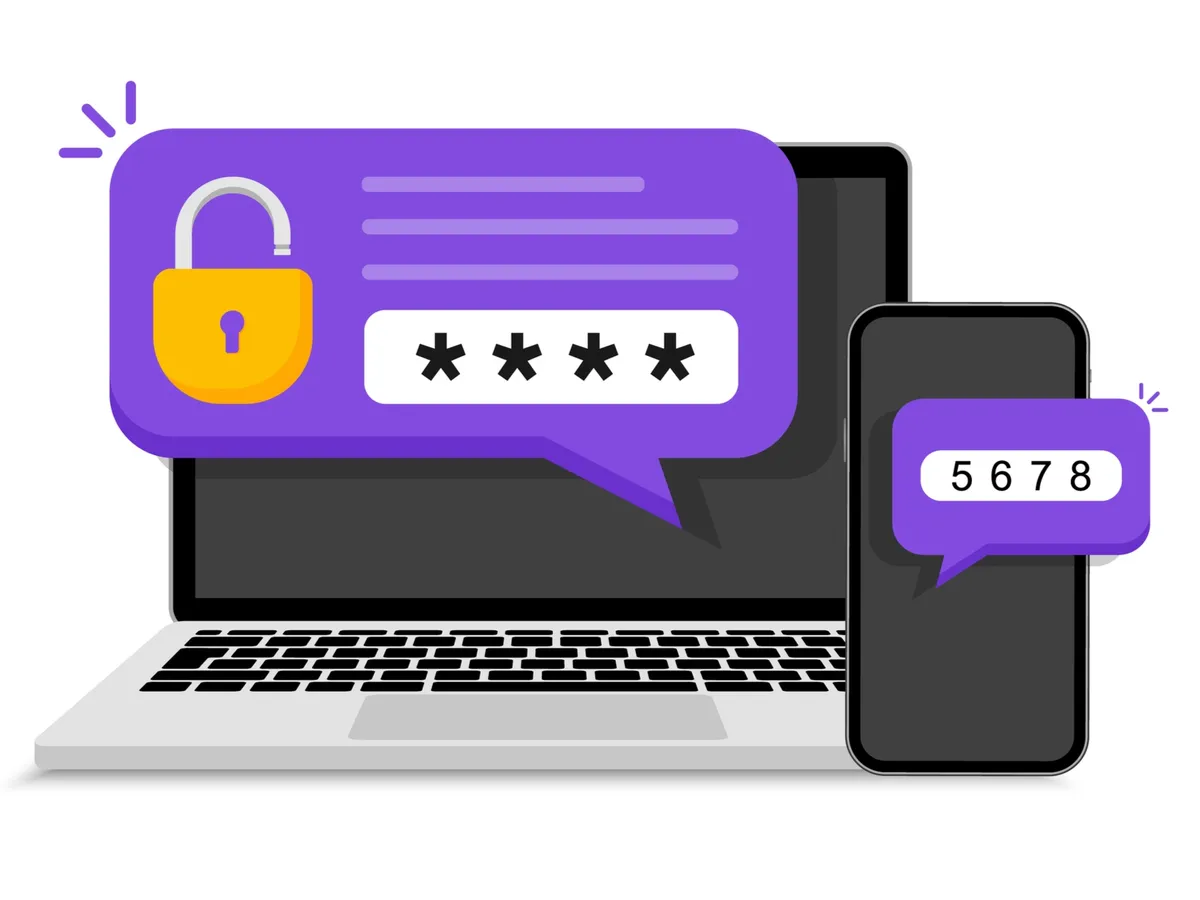
By demanding a second form of authentication, like a fingerprint or a code sent to your phone, in addition to your password, two-factor authentication increases the safety of your online accounts. Even if hackers obtain your passcode, they will have a much more difficult time accessing your accounts in this manner.
Tip #4: Be cautious of phishing scams

Phishing schemes are a common form of cyberattack in which hackers pose as trusted institutions like banks or social media platforms in an attempt to trick you into divulging sensitive information. If you receive an email or message asking for confidential information, a link to click, or a file to download, proceed with caution. If you have any doubts about the veracity of a communication, you should get in touch with the sender.
Recommended Anti-Phishing extensions: Avast Online Security, Norton Safe Web and Malwarebytes Browser Guard.
Tip #5: Install antivirus software

Antivirus software is designed to detect and remove malware from your tech devices. It’s important to install antivirus software on all of your devices, including your computer, phone, and tablet. Be sure to keep your antivirus software up to date as well, as new threats are constantly emerging.
Recommended Antivirus Software: Kaspersky Antivirus, Bitdefender Antivirus and Norton Antivirus.
Tip #6: Use a VPN

A VPN, or virtual private network, encrypts your internet connection and makes it more difficult for hackers to intercept your data. If you frequently use public Wi-Fi, such as in coffee shops or airports, it’s especially important to use a VPN to protect your personal information.
Recommended VPN’s: NordVPN, ExpressVPN and CyberGhost.
Tip #7: Back up your data

Backing up your data is important in case your tech device is lost or stolen, or in the event of a cyberattack. Be sure to back up your data regularly to an external hard drive or cloud storage service. That way, if something happens to your device, you won’t lose all of your important files and information.
Recommended Cloud Storage Services: Google Drive, Dropbox, Microsoft OneDrive.
Tip #8: Be wary of public charging stations
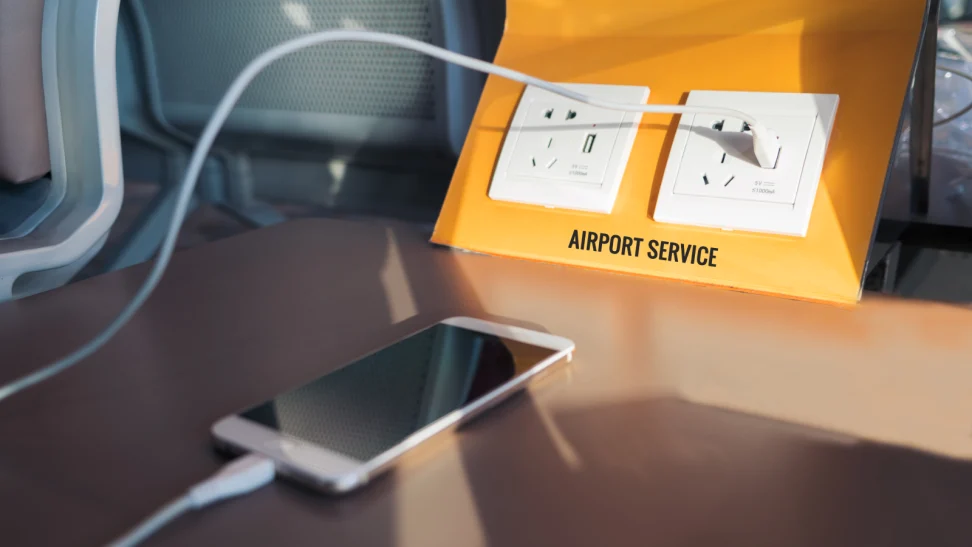
Public charging stations can be convenient, but they can also be a security risk. Hackers can use public charging stations to install malware on your tech device or steal your personal information. It’s best to bring your own charger or use a portable charger to avoid this risk.
Final Thoughts on Protecting Your Tech Devices from Cyberattacks
When it comes to protecting your tech devices, there are many steps you can take to minimize the risk of cyberattacks. It’s important to keep your software up-to-date, utilize strong passwords, and enable two-factor authentication. Additionally, it’s critical that you proactively recognize phishing scams and use a quality antivirus software suite. Moreover, a VPN should be used for extra security when connected to unsecured networks, and your data should have regular backups. Lastly, consider being mindful of public charging stations as they could present opportunities for hackers. Taking these steps will help ensure you practice good cyber hygiene and protect your device from potential attacks.